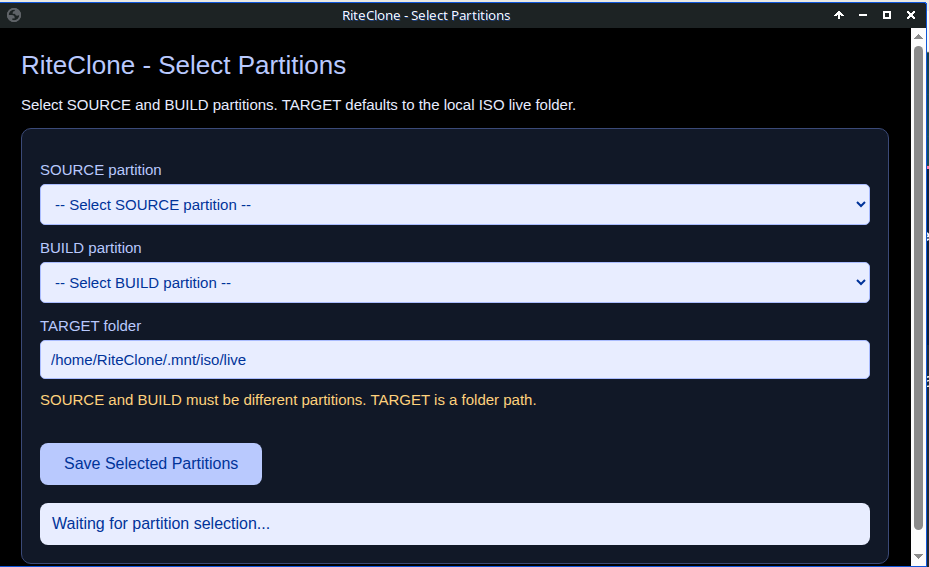

- Select Source Partition
- Select Build Partition
- Accept / Change FileSys Location
Partition Selection
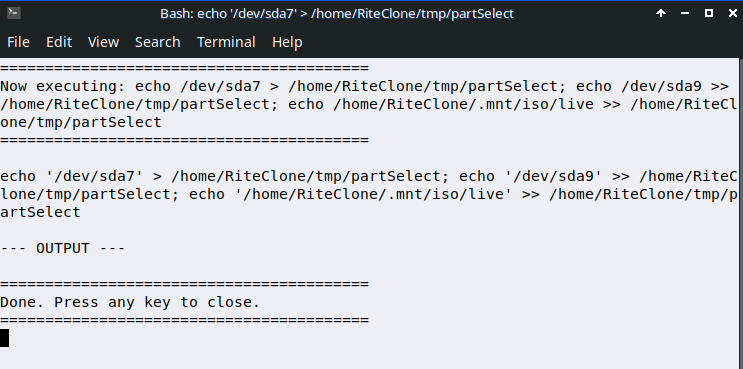
Step 1: Select Partition. You will need to select a partition for Source and a partition for Build.
- Source partition - your custom build you want to remaster using the RiteClone Remaster System.
- Build Partition - where the contents of your Source partition will be copied
- Filesystem target path - Normallly this is: /home/RiteClone/iso/live/filesystem.squashfs but, you can change this path if you want the FileSystem from the mksquashfs command to be saved to a different location.